
Android math problem solver | Solve calculations using Android Easily
Android math problem solver
Contents
Is it annoying to solve the Math equations yourself? Then, here I will show you about how you can use your Android phone to solve the Math problems.
As you guys already know that Android is one of the best customisable operating system present in today’s phones. There are so many features provided by Android operating system. Similarly, here another one of the very important and best features or function available for Android users. That is, to use your Android phone as a math problem solver.
You can use your android device as a math problem solver in the following functions or operations
- Addition
- Subtraction
- Multiplication
- Fractions
- Division
- Inequalities
- Powers
- Square roots
- Trigonometry
- Algebra
- Simplification
- Basic algorithms
- And all other basic operations.
So, let’s move on about how to solve all this by using android as a math problem solver.
In this procedure, we are going to use an app which is called as Photomath. There is another app which is also a good one and is called as automath. But I prefer Photomath the most. So, in order to solve the equations,
Follow the steps given below
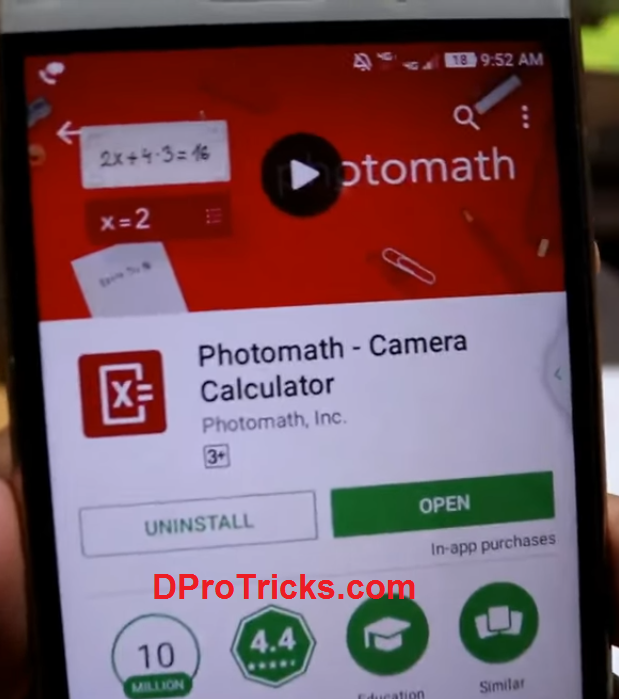
- First of all, download and install the Photomath app from the Google PlayStore ( link at the end of the procedure)
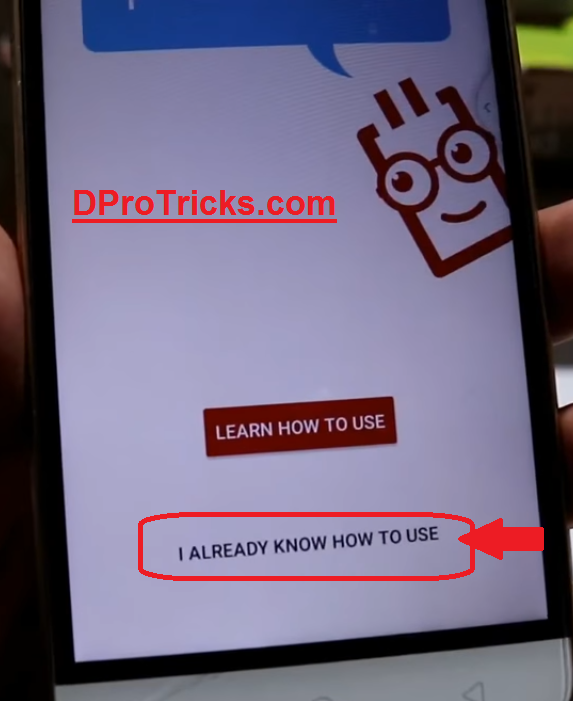
- Now, open the app and click on I already know How to use. You can also watch the basic tutorial by clicking on learn how to use.
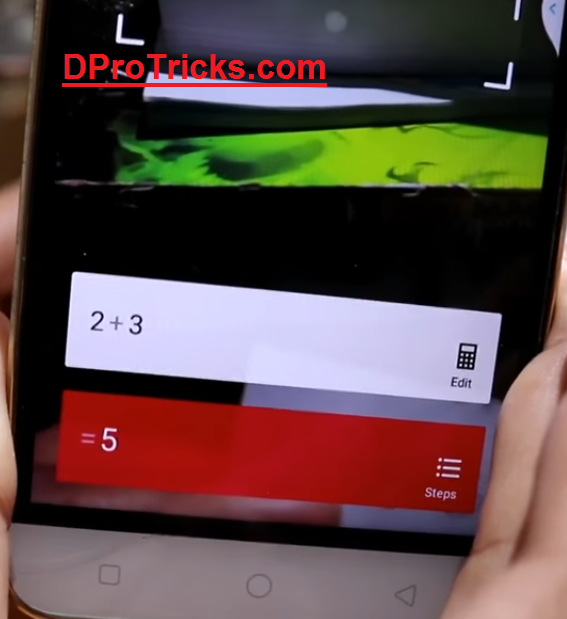
- So, write down the equation or math problem on a paper. Like I have written 2 + 3 And then scan it by using the app

- It will give the result is equal to 5 for my case as below
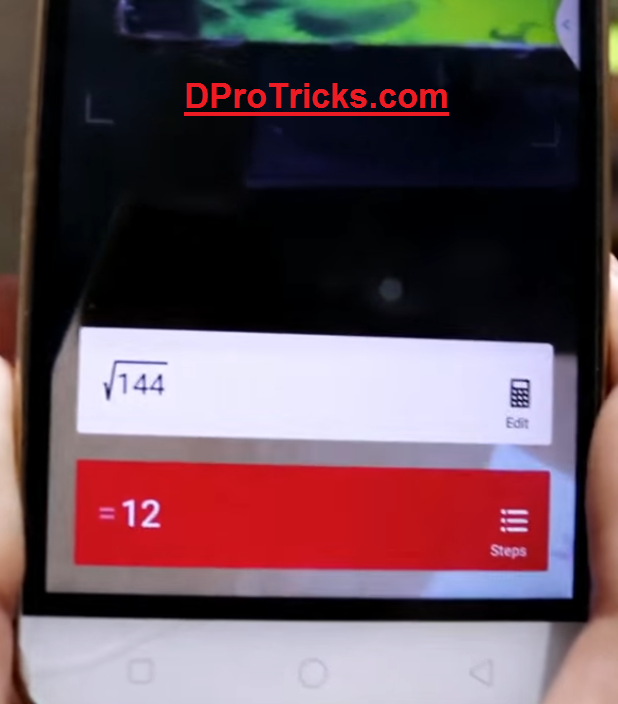
- Karma I have another problem to solve for root 144 -> (144)^½ . And by scanning it I will get the answer is equal to 12
- Similarly, you can write on the quadratic equation on a paper and scan it and the app will give you the values of the variables in the equation.
That’s it for the app photomath for the Android to use as math problem solver.
If you are facing any problem recording the app for the procedure, you can write on below in the comment section.
You can download the photomath software from the official Play Store by clicking the download button given at the end of the article.
You may like to read:
Your blog is very useful. Thanks for sharing this article.
Very good article… It help me alot..
Keep it up..