
How to use fake caller ID without any software
How to use fake caller ID without any software
Do you want to call someone as an unknown number or private number by using a fake caller ID without any software? Then, I’m going to tell you how to achieve it.
First of all, let’s know what is a caller ID. It is actually the ID or the sim number provided by the network providers. While talking about fake caller ID, it means that it is the actual number provided by the network providers which will be hidden (Default Appearing) by using techniques later on.
Many people want to call someone or prank someone by calling them using a fake caller ID. It will generally show as private number or unknown number. If not very legal but still many people use to do this.
Although, it is very easy to do but still, most of the people are unknown to it. Also, in many countries, the network providers do not allow to you to use fake caller ID but still you can do it.
When someone uses fake caller ID, it hides the original caller ID i.e the sim card number provided by the service providers. There are several methods to change your network provided number. Even you can you your own created number instead of using your original number to call someone. That is also a part of using a fake caller ID. I will also talk about that later on.
Working
What actually happens in this trick is that it uses the private call feature. It is the only main feature which the network providers provide because of which one can hide its original number. For some other network providers who are not providing the private call option, one can make it available also. I will talk about that also later on. So, when you are using the duplicate caller ID method which I will show you, it will hide your original id when you will call someone. It will appear as an unknown number calling on the other side or a private number calling.
So, without wasting time let’s move on to the procedure about how to achieve this.
Just follow the steps given below:
- I am using two cell phone and I am going to call from one phone to other phone. I am already using fake caller ID method for proof.
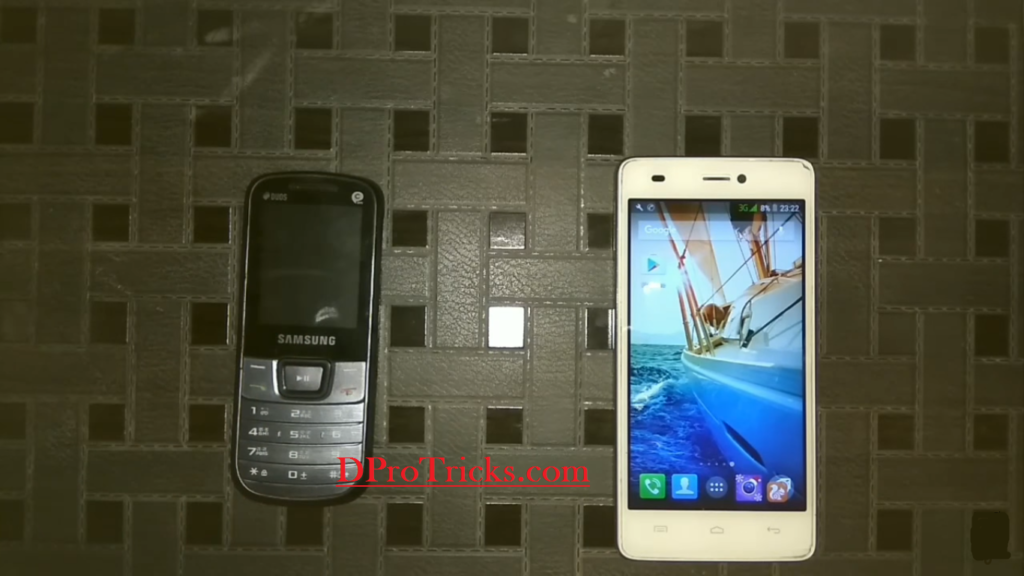
- You can see that it is appearing as Private number in the black cell phone below
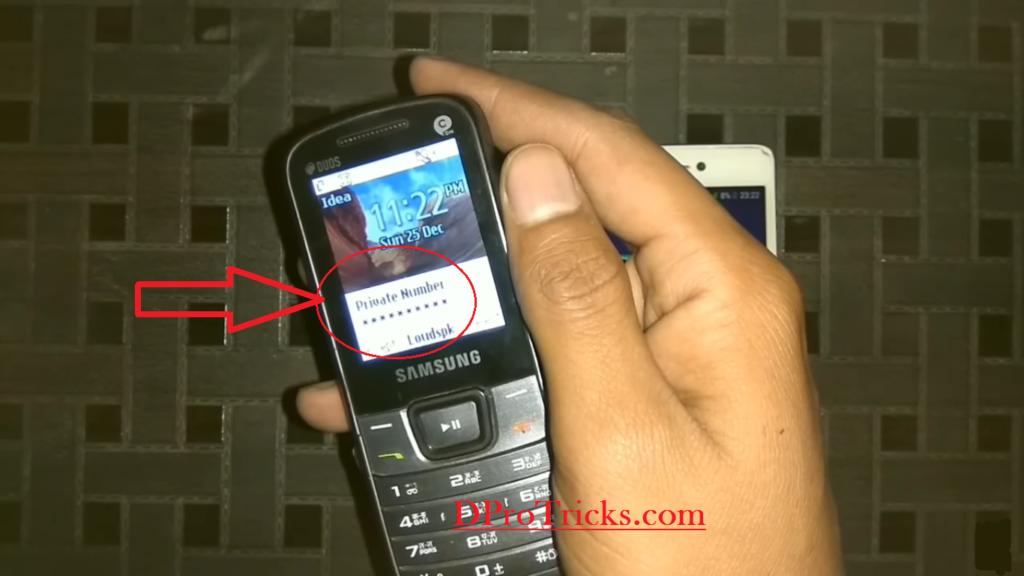
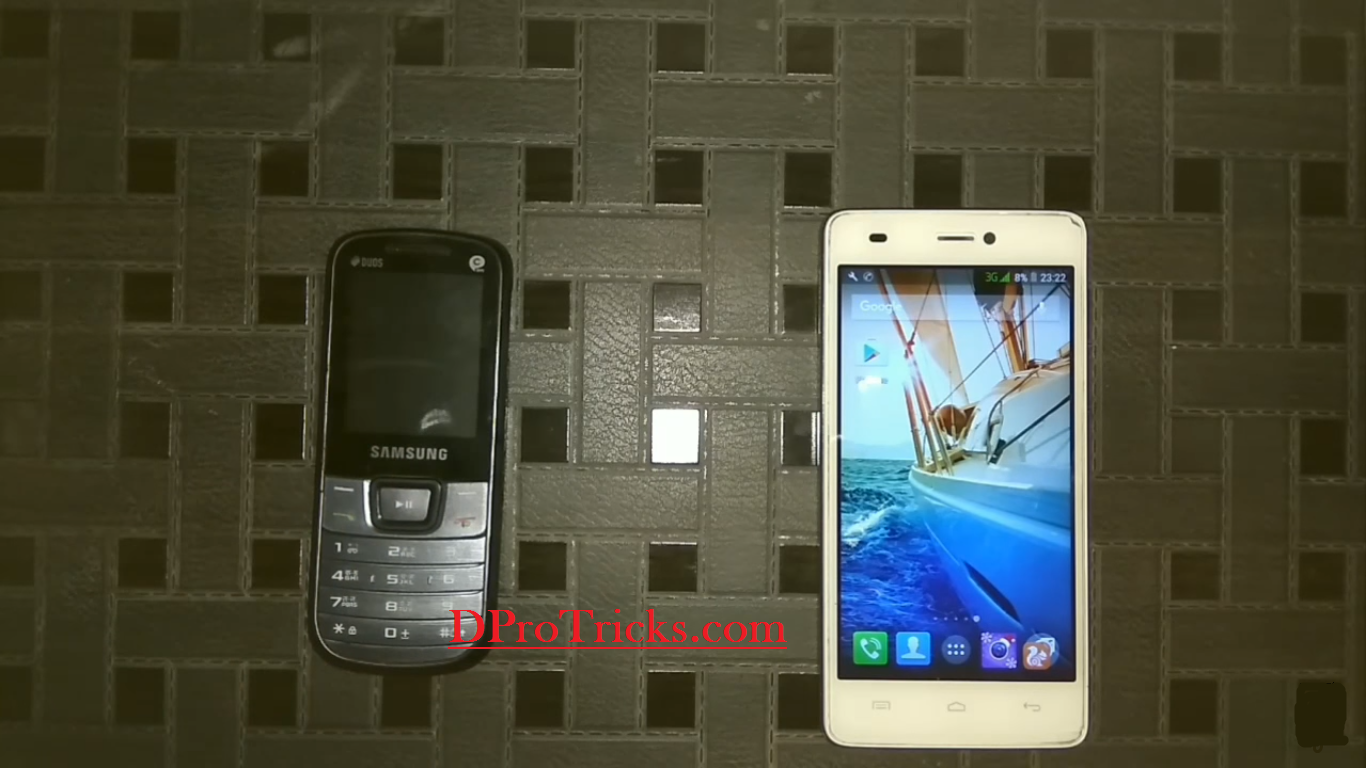
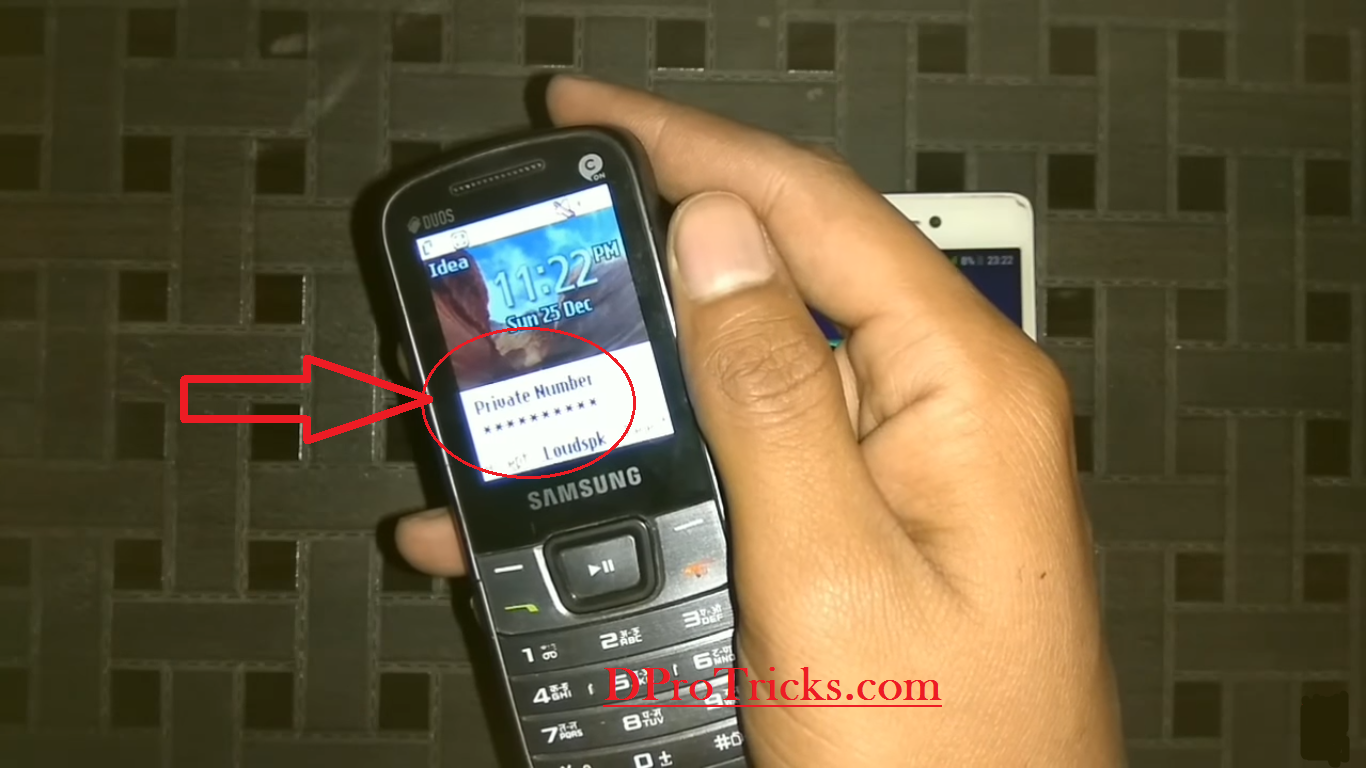
In some mobiles, it will appear as unknown number.
To achieve this in your cell phone, you will have to follow some basic steps given below:
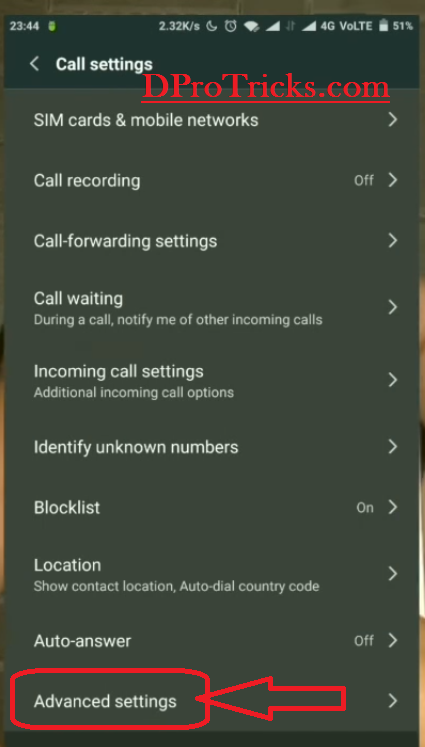
- First of all go to your phone dialler. And then click on your phone dialler setting.And after that click on advanced setting. It will bring you here
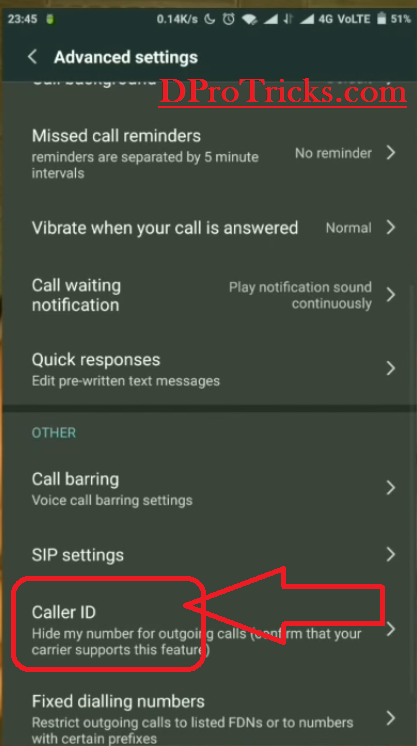
- Now you will see there an option named as caller ID and click on that.
- You will find your sim card and select your SIM card number or name.And after that again click on the new option caller ID. And then click on Hide number.
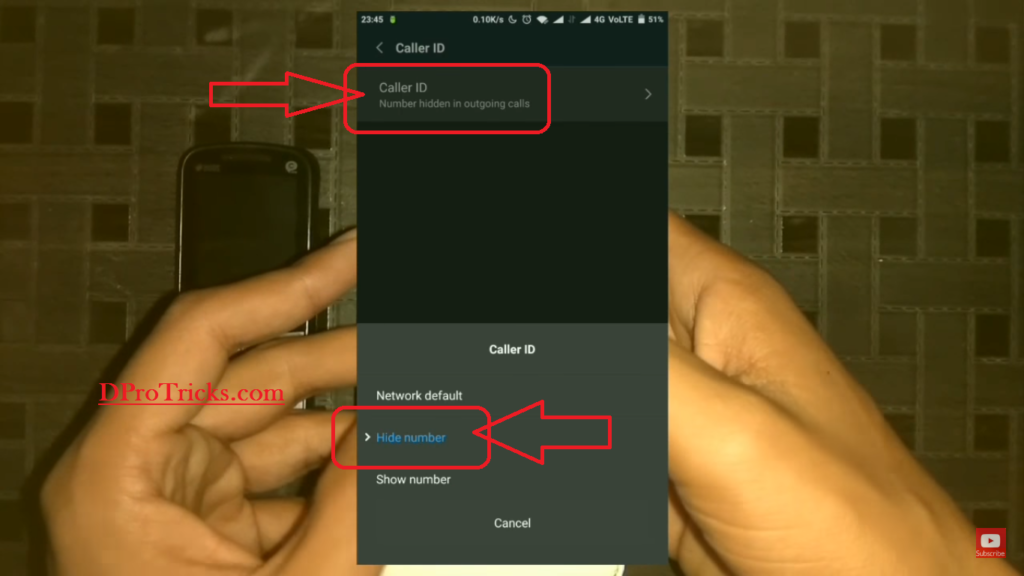
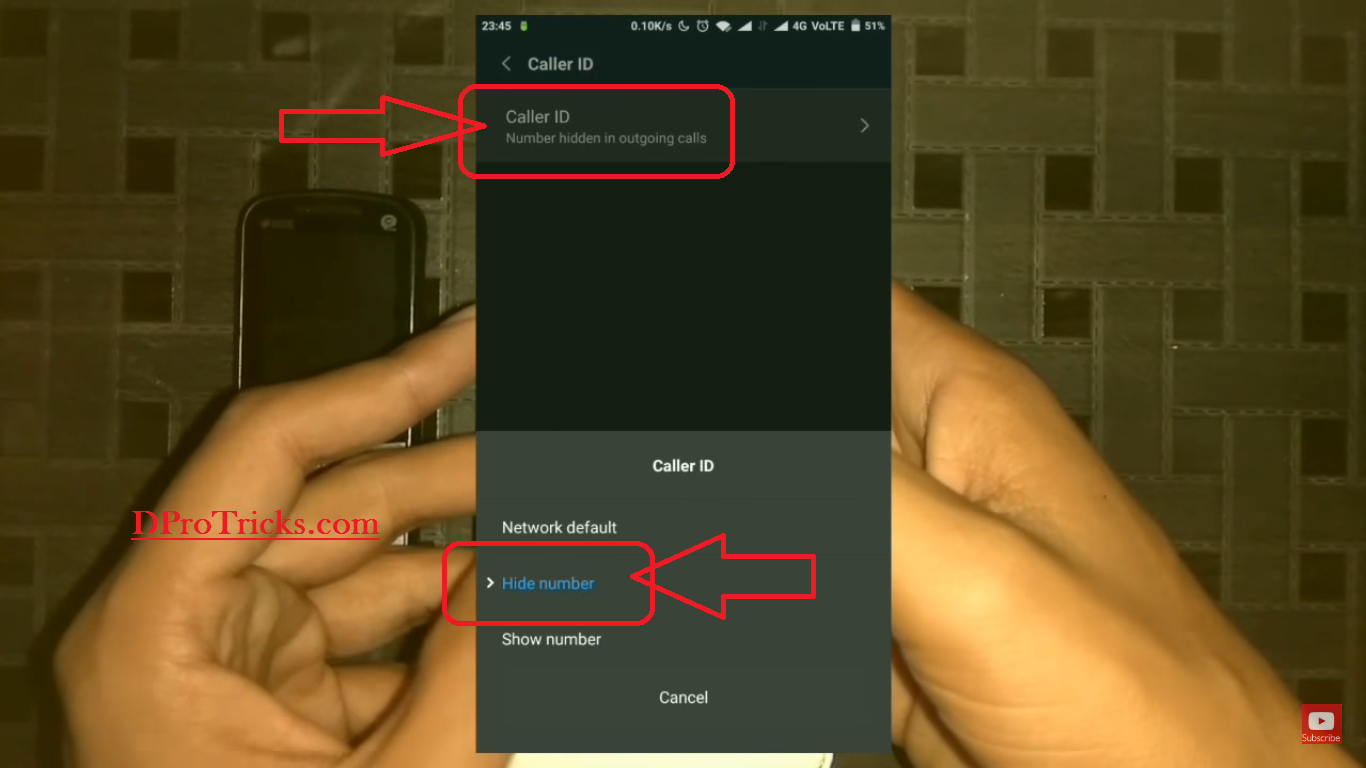
Now, you have done with the Manual settings to you fake caller ID for your network. And now, to call someone with fake caller ID ,You will require a blocking ID.
The blocking ID for each country is different like for US and Canada, it is *67.For UK, it is *141.Very hot India, it is *31.And if you have a different country, you can search the blocking ID for your country.
Now, let me tell you how to use if blocking ID to do call. For this, simply follow the pattern given below
(Your blocking id) # (country code)(Number you want to call)
Like I am in India, I will use *31 as below.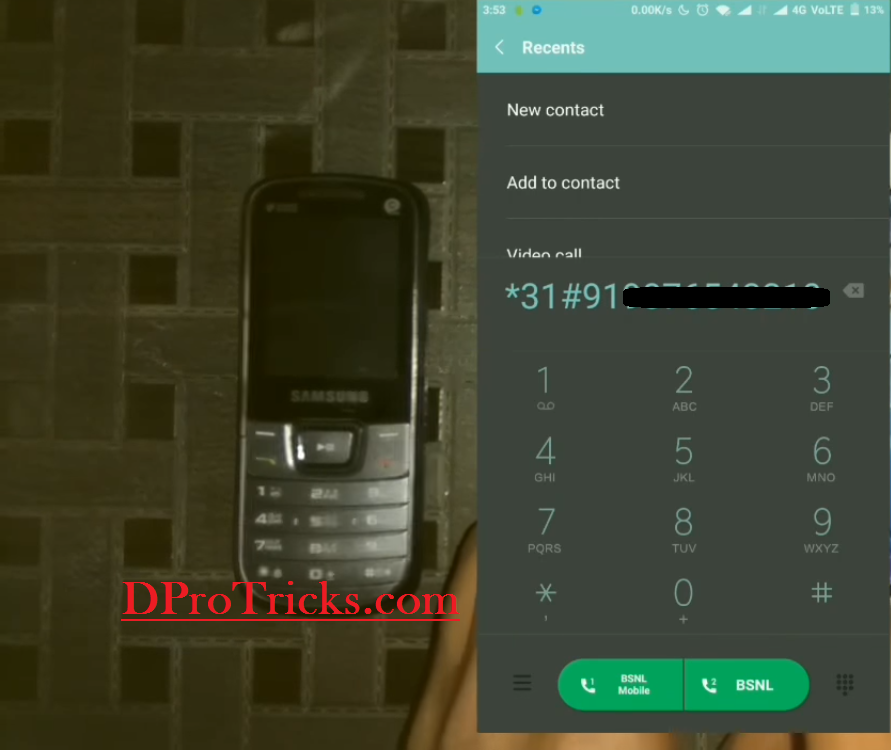
And then, when you will call on the number, it will appear as An unknown number.
Restriction solution
For the network providers, which do not allow this feature, you will have to take permission from DM on SP of your city.Then you can contact to your own network provider and then they will allow it for you.
Still, if you are not able to achieve this, there are several other methods to do it by using several apps. The only problem is that they provide only one minute for free and after that they will charge you for using them which will be really so expensive. Some of the apps are spoof caller ID and fake caller ID. You can search these apps on Play Store and can download them from there and can use them also.
If you are still facing any problem with this, write down below in the comments section and I will help you out with that!
Thanks, great article.
welcome! more cool stuff is coming soon. Stay tuned.
That’s the best answer by far! Thanks for cobiutnrting.